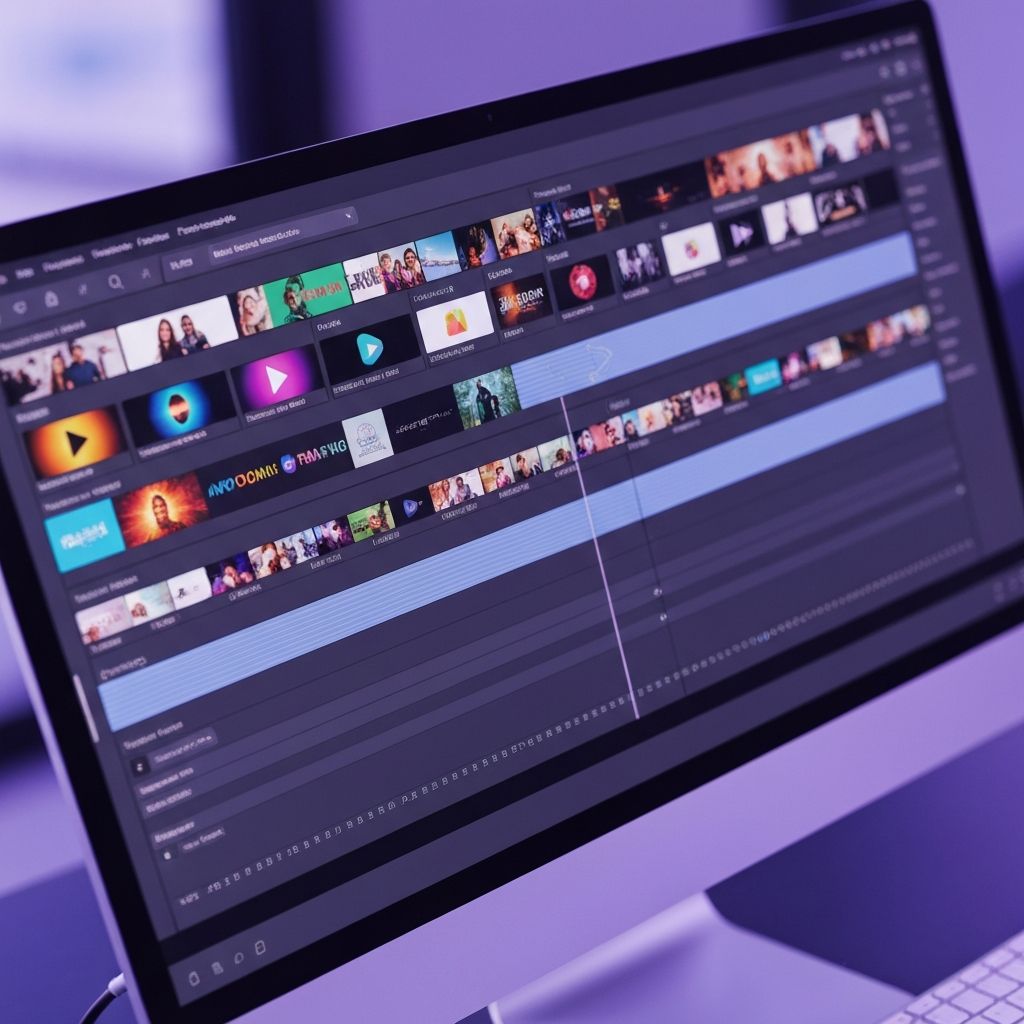
CapCut has become the go-to video editing app for content creators. With its powerful features and intuitive interface, you can create professional-looking videos right from your phone or computer. Here are 10 pro tips to take your CapCut skills to the next level.
1. Master Keyframe Animations
Keyframes allow you to create smooth animations for any property. Learn to use them for zoom effects, position changes, and opacity transitions.
2. Use Speed Ramping
Speed ramping lets you smoothly transition between different speeds. It's perfect for action shots and creating dramatic effects.
3. Leverage Auto Captions
CapCut's auto-caption feature saves hours of manual work. It automatically transcribes your audio and adds animated captions.
4. Explore Color Grading
Go beyond basic filters. Use the color adjustment tools to create a unique look for your videos.
5. Use Templates Wisely
CapCut offers thousands of templates. Use them as starting points and customize them to match your style.
6. Master Audio Editing
Good audio is crucial. Learn to use beat sync, audio ducking, and voice effects for professional sound.
7. Create Custom Transitions
While built-in transitions are great, learn to create custom transitions using masks and keyframes.
8. Use Overlays Effectively
Overlays can add depth to your videos. Use them for light leaks, film grain, or decorative elements.
9. Export Settings Matter
Always export at the highest quality. Use 4K when possible and pay attention to bitrate settings.
10. Stay Updated
CapCut regularly adds new features. Keep your app updated to access the latest tools.
Get CapCut Pro
Want to remove watermarks and access premium features? Contact Toolify for CapCut Pro subscription at affordable prices!